Get the app
Every way to play
Same product, same account, same wallet whichever way you come in. The quickest is the PWA — a progressive web app, which installs onto your home screen straight from the browser.
Play in your browser
Nothing to install — the PWA runs in a tab until you decide to install it. Works on a phone, a tablet or a desktop, and desktop players get keyboard controls on the games that suit them.
Install the PWA
Open the app and choose Install when it is offered. You get your own icon on the home screen and the app opens full-screen with no browser bar — the same account, the same wallet, the same games.
- Android — Chrome, Edge, Opera, Samsung Internet, or whichever browser came with your phone. If an Install banner or an icon in the address bar appears, tap it. Otherwise open the ⋮ menu, scroll down, and choose Install and create shortcut → then Install (not Create shortcut) → then Install again on the confirmation dialog. It lands in your app drawer and on your home screen.
- Firefox on Android: no banner ever appears, so go straight to the ⋮ menu and choose Install. Firefox on a computer has no install command at all — it still plays perfectly well in a tab.
- iPhone / iPad in Safari — tap Share (the square with an arrow), scroll down, choose Add to Home Screen, then Add.
- iPhone / iPad in Chrome, Edge or Firefox — tap the Share icon (in the address bar, or under the ⋯ menu), choose Add to Home Screen, then Add. It becomes the same full-screen app as a Safari install — you do not need to switch browsers. This needs iOS 16.4 or later; on older versions, use Safari.
- No iPhone browser shows an automatic Install button — Apple does not allow one — so the Share menu is the way in, whichever browser you use.
Nothing else to sign up for. It takes about ten seconds.
Android APK
This is the full Android app, compiled and signed and installed the way any Android app is installed. The file comes straight from us. Same account, same wallet, same games. Android will ask you to allow installs from your browser; that prompt is Android’s, not ours, and it is expected. Only ever download this from game4pay.com.
Installing it: the screens Android will show you
- “This type of file can harm your device” — your browser says this about every app file downloaded from a website. Tap Download anyway.
- Open the file from the download notification, or from your Downloads / Files app.
- “Your phone is not allowed to install unknown apps from this source” — tap Settings, switch on Allow from this source, then go back. This is permission for your browser to install apps; you can switch it off again afterwards.
- Tap Install.
- If Google Play Protect asks to scan the app or says it does not recognise it, that is Android checking an app installed from a website. Choose More details → Install anyway (or Scan app, then install).
- “App not installed” or “package appears to be invalid” almost always means the download did not finish. Check that the file in Downloads shows the full size (77.0 MB); if it is smaller, delete it, download again on Wi-Fi, and open it from the Files app. Make sure the phone has free space of about twice the file’s size, too.
- Tap Open and sign in. Most updates then arrive inside the app on their own.
File fingerprint (SHA-256), for anyone who wants it — you do not need to check anything to install:
68dda1f4774798cfc939fcd36b61245cf6d124b14dee05d28758138883566a39On a computer, shasum -a 256 against the downloaded file prints this exact string. Nothing on a phone does, which is fine — it is a record, not a step.
Is a PWA just a website?
No. A website is a page you visit. A progressive web app is an app you install — it just arrives from the browser. Once it is sitting on your home screen there is nothing on the screen to tell you where it came from.
- Its own icon, its own window. It opens full-screen, with no address bar and no browser tabs — the same as the Android app.
- It works with no connection. Practice any game offline; scores you post are queued and sync the moment you are back.
- It updates itself. The next time you open it you have the newest version. Nothing sits in a review queue between a fix and you.
- It sends notifications. Tournament reminders and wallet alerts reach you whether or not the app is open, or the tab is even still there.
- It is the same account. The same wallet, the same tournaments, the same balance as every other way of playing. There is no separate web account.
One caveat on iPhone and iPad: Apple only delivers notifications to a web app that has been added to the Home Screen — never to one sitting in a Safari tab. Install it and they work like any other app’s.
What it looks like
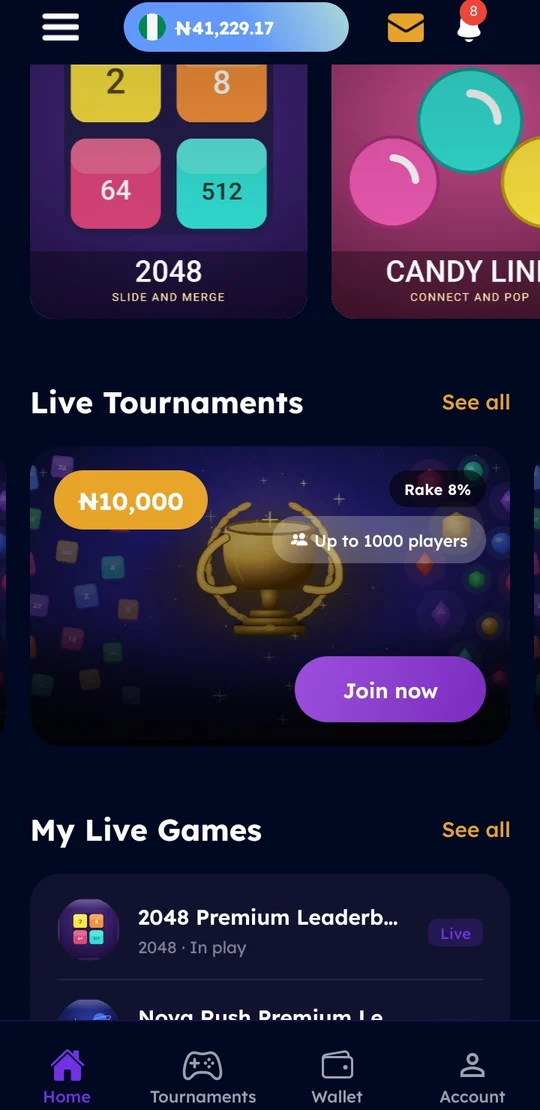
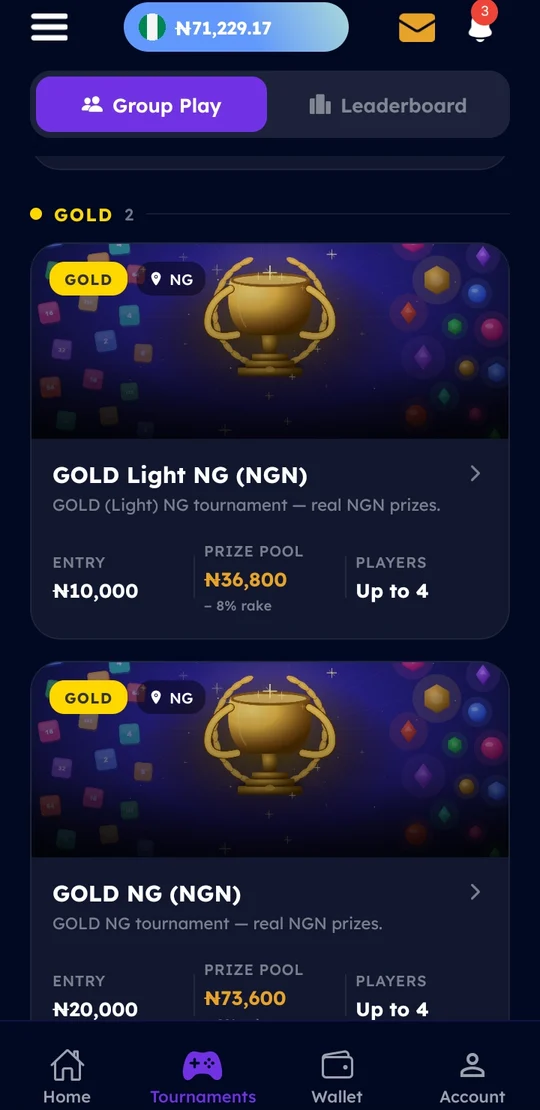
The same screens however you install it — the Android app, the APK and the web app all render from one codebase.